
A fast, private photo cropper for social-media aspect ratios—on your Mac or in any browser.
Drop in a photo, choose an aspect ratio, drag to frame it, and export. Croppenheimer keeps the process quick and local: no account, no upload, and no waiting.
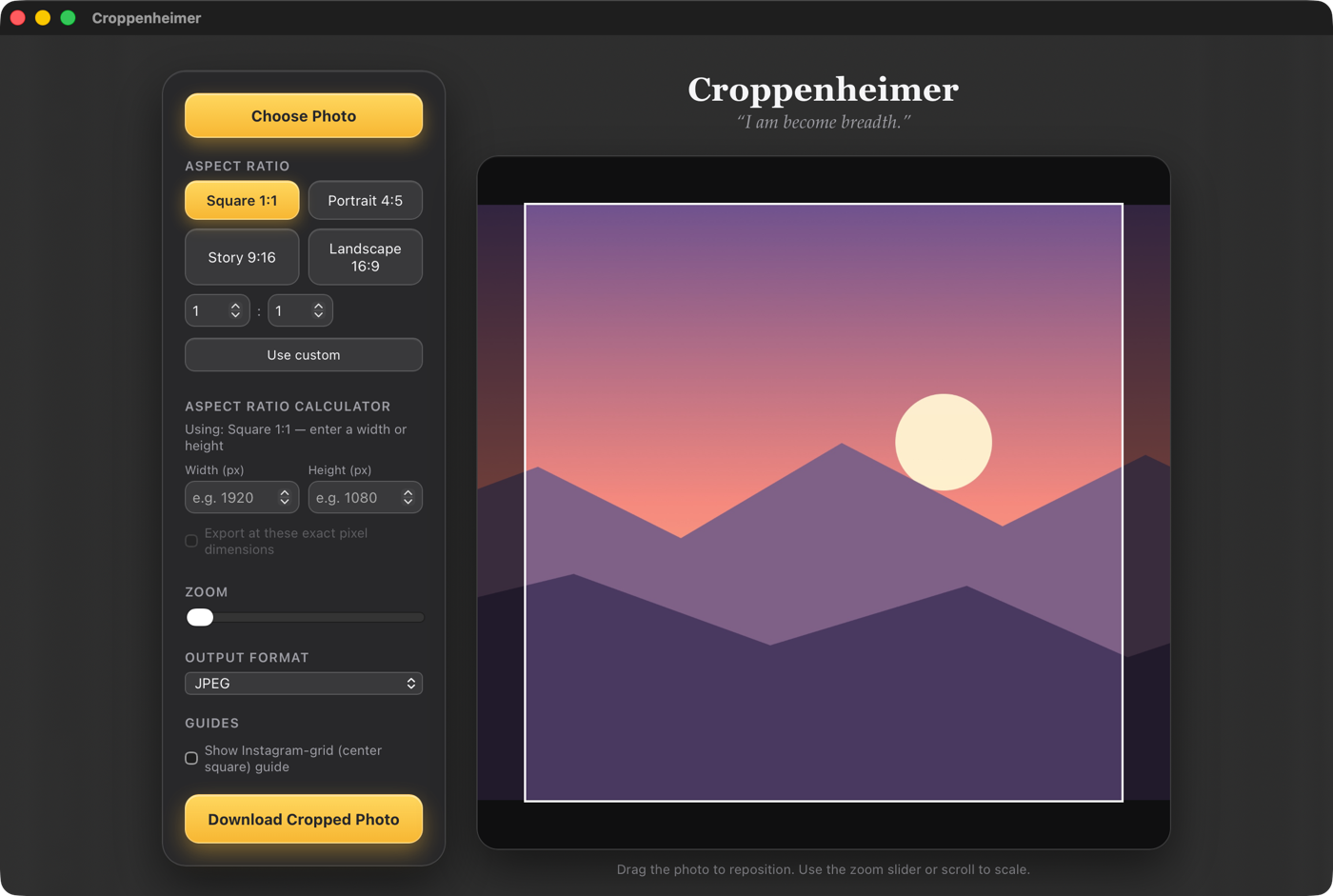
What it does
- Useful presets for square 1:1, portrait 4:5, story 9:16, landscape 16:9, and custom ratios.
- Precise framing with drag, scroll, or pinch controls and no transparent edges.
- Exact-size export in JPEG or PNG, cropped from the full-resolution original.
- An Instagram grid guide that previews the centre square inside portrait and landscape crops.
- Complete privacy—your photos stay on your computer.
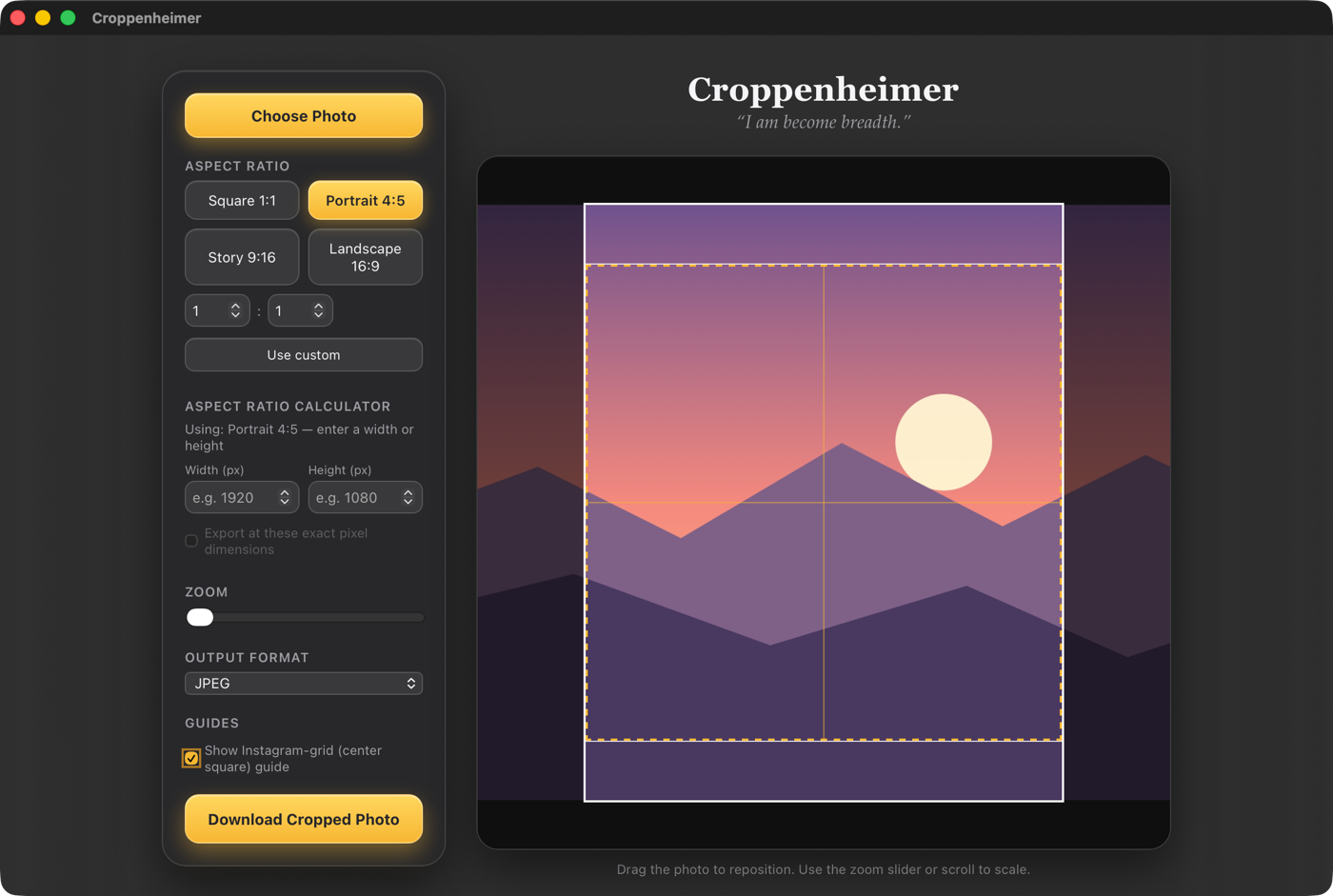
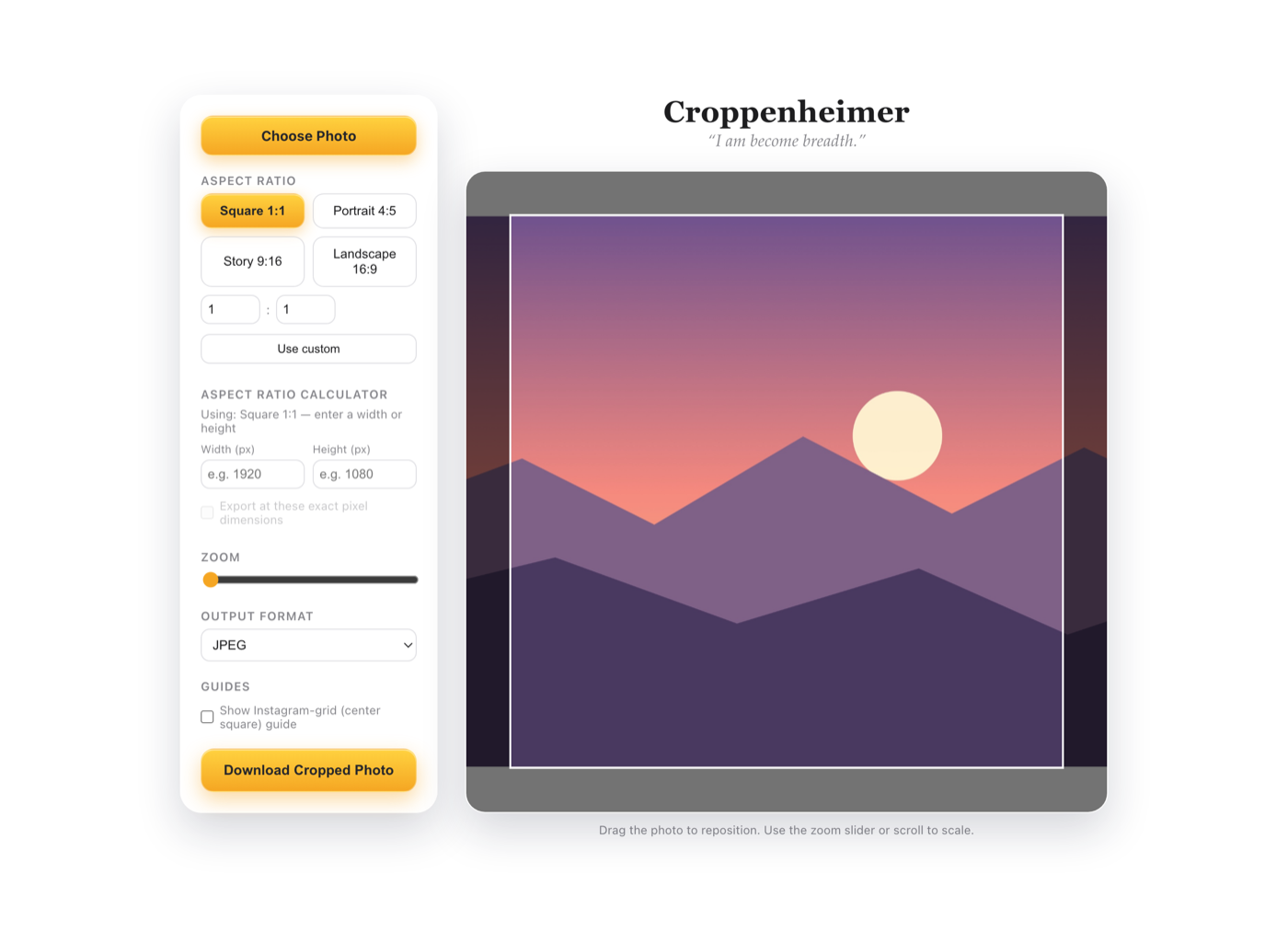
Two ways to use it
Browser version: open Croppenheimer in your browser—no account, installation, or upload required. It also works offline if you download the self-contained Croppenheimer.html file from GitHub.
Mac app: adds Finder drag-and-drop, Open With support, source-folder-aware exports, and an optional desktop widget. Requires macOS 15 or later and runs on Apple Silicon and Intel Macs.